Intro to journeys and frameworks
In TheyDo, the customer journey is not a drawing you make once and file away. It is the structure that everything else attaches to: your research, your metrics, your opportunities and the work you decide to do. This article explains how a journey is built, how journeys fit together into a framework, and where to start reading.
Why the journey holds everything together
Most organizations already understand their customers in three separate ways. Dashboards say what the numbers are doing. Research and feedback say what customers tell you. Interaction data says what individual customers actually did. All three are real, and none of them talk to each other.
A journey gives them a shared address. When a piece of research and a metric both attach to the same step of the same journey, they stop being two unrelated files and start describing the same moment. That is what grounding your data in the journey means, and it is why this section sits at the centre of TheyDo.
How a journey is built
A journey has three structural parts.
- Phases are the major stretches of the experience, for example "Awareness", "Consideration" or "Purchase". They span the full width of the canvas.
- Steps are the individual moments inside a phase. They are the columns of the canvas, and they are the level most of your evidence attaches to.
- Lanes are the horizontal layers that run across every step. Each lane has a type, which decides what can go in it: insights, opportunities, solutions, metrics, the experience curve, tags, text and more.
Content lives where a lane crosses a step. An insight in the insights lane on the step "Connect data source" is saying something specific: this is true, here, at this moment.
Start with What is a journey, then How to create a journey.
Working in a journey
Once a journey exists, the Journeys sub section covers everything you do inside it:
- Navigate and zoom to move between the overview and the detail.
- Use the experience curve to show how the experience rises and falls across steps.
- Manage the journey as it changes, and duplicate it when you need a variant.
- Check the activity log to see who changed what, and when.
- Share the journey with people inside or outside your workspace.
Frameworks: a nested journey structure to hold your data at multiple levels
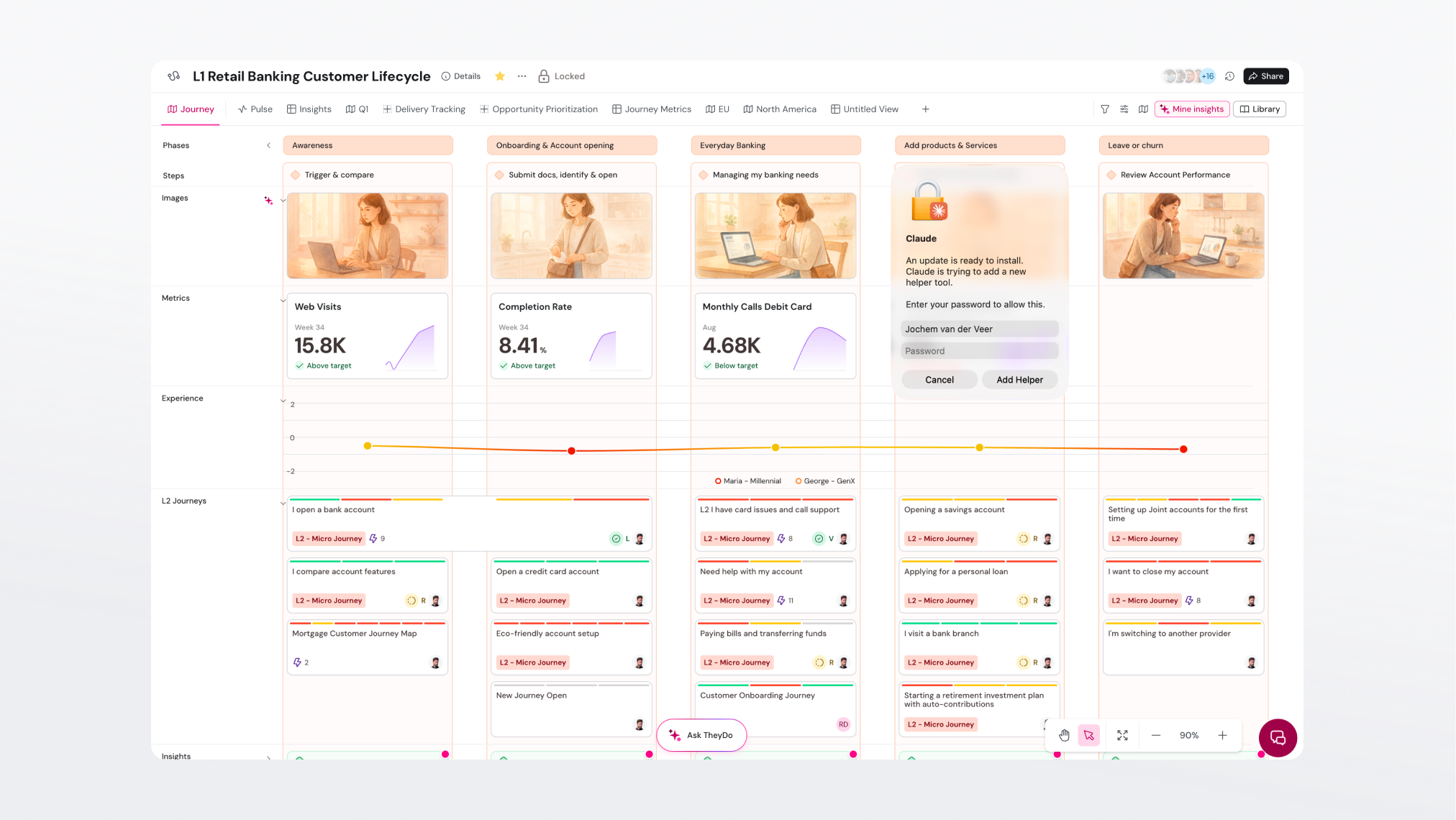
One journey is straightforward. Forty are not. A framework is how you organize journeys into a structure your organization can navigate, instead of a flat list nobody trusts.
Two ideas do most of the work:
- Zoom levels. The same experience can be described at different altitudes, from a company-wide lifecycle down to a single task. Deciding which level a journey belongs to is what keeps a portfolio coherent. See Journey framework zoom levels.
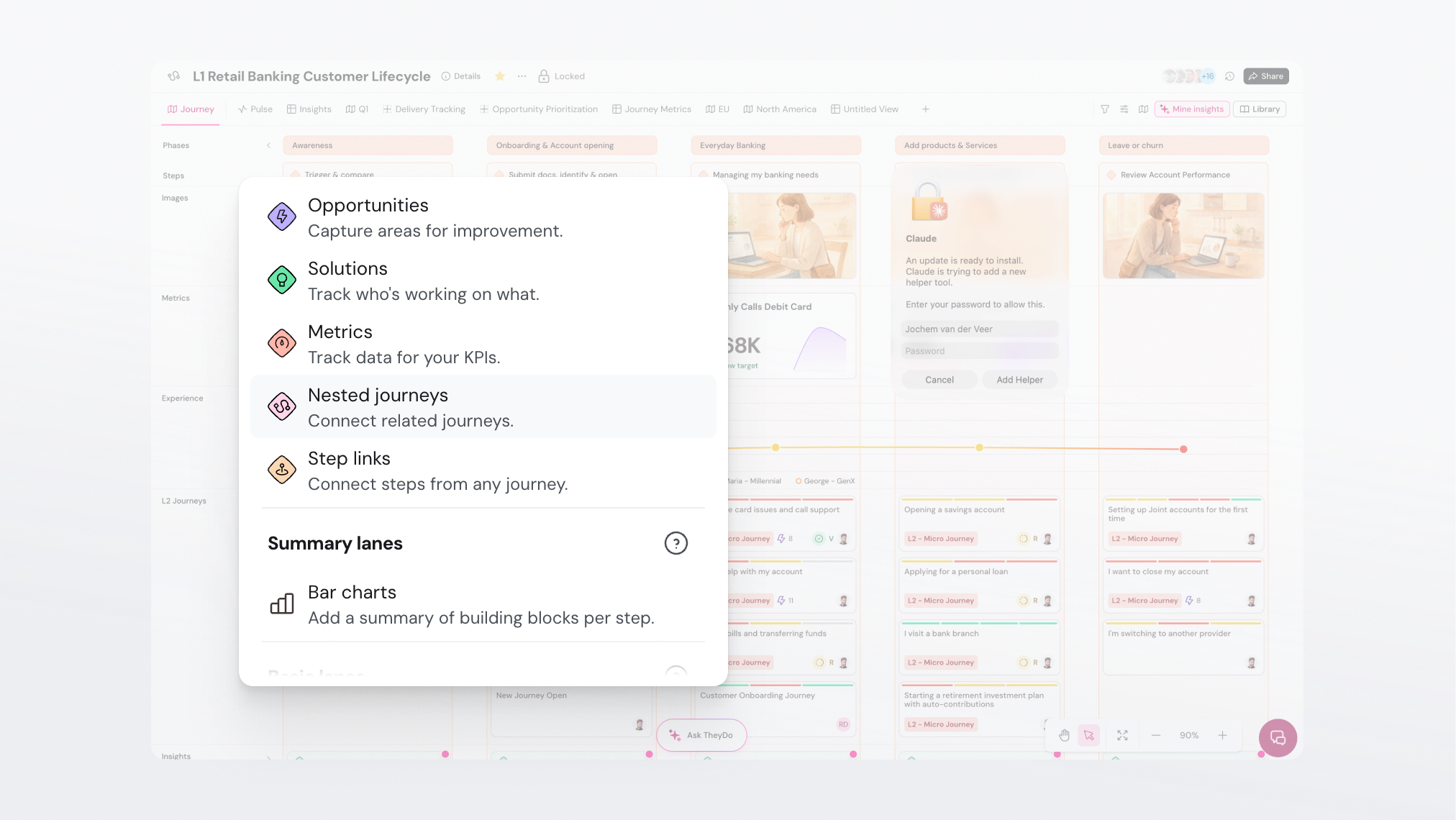
- Nested journeys. A journey can sit inside another journey, so a step in a high-level journey can open into the detailed journey behind it. See What are nested journeys?.
Note: journeys you work with often can be pinned in the
Journey frameworkssection of the left sidebar, where they appear with their nested journeys underneath them.
Collaborating in TheyDo
A journey is usually built by more than one person, and read by many more. This part of the section covers working together in the same journey and keeping everyone aligned on one shared picture rather than several private copies. Who can change what is governed by permissions, which work in three tiers on a journey: governance, structure and content. See How journey permissions work.
Where to start
Read What is a journey first, then Journey framework zoom levels when you are ready to think about more than one journey at a time.