Editing with the TheyDo Agent
Overview
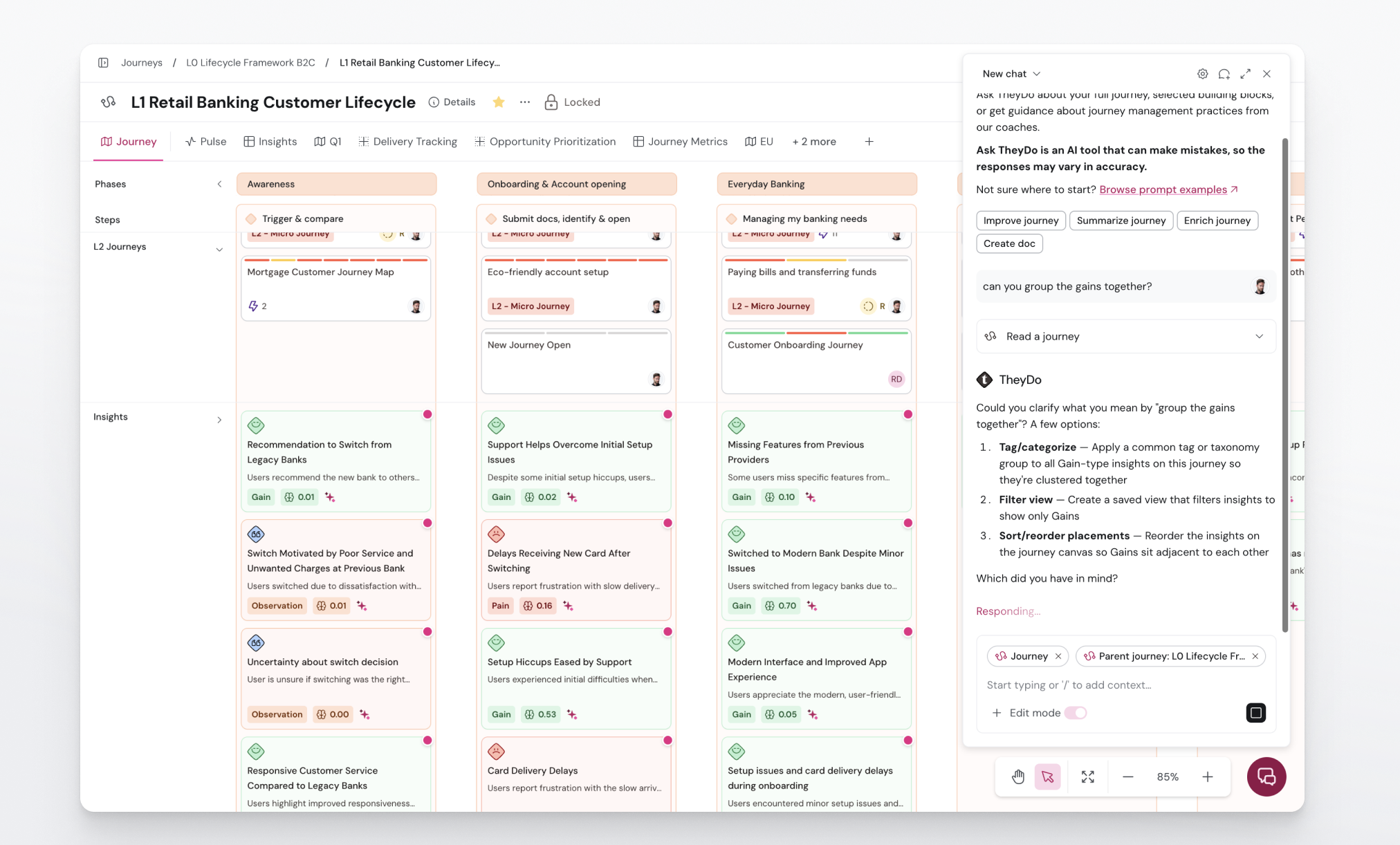
This article is for journey owners and CX teams who want the TheyDo Agent to do the work, not just describe it. With Edit mode on, the Agent can create and change your journeys and building blocks through conversation, and every change is proposed for your approval before anything is applied.
Read this alongside What is the TheyDo Agent? and How to use the TheyDo Agent, which cover asking questions and reading your workspace. Edit mode is the step that lets the Agent write, not just read.
What Edit mode does
Without Edit mode, the Agent can read and reason over a journey but cannot change it. With Edit mode on, it can write to and comment on your building blocks: insights, opportunities, solutions, metrics, personas, and journeys.
The key principle is that nothing changes silently. The Agent proposes each edit, and you approve or reject it. The approval step is how you stay in control of what actually lands in your workspace.
Note: Edit mode is a workspace setting plus a personal toggle. An organization admin enables Edit mode for the workspace from the AI permissions table in organization settings, and the Agent must already be enabled for that workspace. Once those are in place, you turn the toggle on for yourself.
Turn on Edit mode
- Make sure the TheyDo Agent is enabled for your workspace, and that an admin has enabled Edit mode in the organization AI permissions settings.
- Open the TheyDo Agent.
- In the chat input footer, switch on the
Edit modetoggle.
The toggle stays on across your conversations, page reloads, and new chats until you turn it off. It is briefly unavailable while the Agent is mid-response.
What you can ask the Agent to do
Edit mode is most useful for the work that used to be slow and manual. A few common examples:
- Build a journey skeleton from a source. Drop in a transcript, a Data Hub source, or a set of existing insights, and the Agent proposes phases, steps, and lanes for you to fill in. This is a fast way past the blank canvas.
- Map existing insights onto a journey. Ask the Agent where a set of insights belongs, and it proposes the mapping for you to approve.
- Rewrite in bulk, in your team's voice. Reformat or rewrite descriptions across many building blocks at once, which helps when quality has drifted across contributors, regions, or business units.
In each case the Agent proposes the change and waits for your approval.
Review and approve changes
- Ask the Agent to make a change in plain language.
- Review what it proposes.
- Approve the changes you want and reject the rest.
Note: There is no formal undo or version history yet, so the approval step is your safety net. Review proposals before approving, especially for bulk changes across many building blocks.
Editing with Skills
Skills let you save a repeatable set of instructions and run it with a single / mention, so the Agent does a task your way without you re-explaining it each time. Skills build naturally on Edit mode: a skill can carry out multi-step edits, such as mine, tag, then summarize, in one command.
Note: Skills is currently in private beta. If you want to try it, ask your CSM about access. To learn more, see
What are skills in the TheyDo Agent?,How to use a skill, andHow to create a skill.