Meet the TheyDo Agent
Meet TheyDo Agent
Run CX Operations on AI. TheyDo Agent builds and reasons over customer experience context. It spots opportunities and helps teams act on them. It generates reports for stakeholders and tracks impact across the business.

Grounded in your customer journeys, not generic training data
TheyDo Agent is the first AI agent built on structured experience context. It reasons over the journeys, phases, steps, and opportunities CX teams build in TheyDo, not raw transcripts or disconnected dashboards.
How it works
01
Ask
Start a conversation from anywhere in your workspace. The Agent understands your workspace, your data and your journey context.
02
Plan
The Agent decides which tools and skills to us to analyze data, map journeys, or generate reports. It’s trained to reason over complex data, grounded in the journey as a data model.
03
Deliver
Turn your exploration into a structured report. The Agent captures your questions, runs the analysis and organizes it into a clear, decision-ready output.
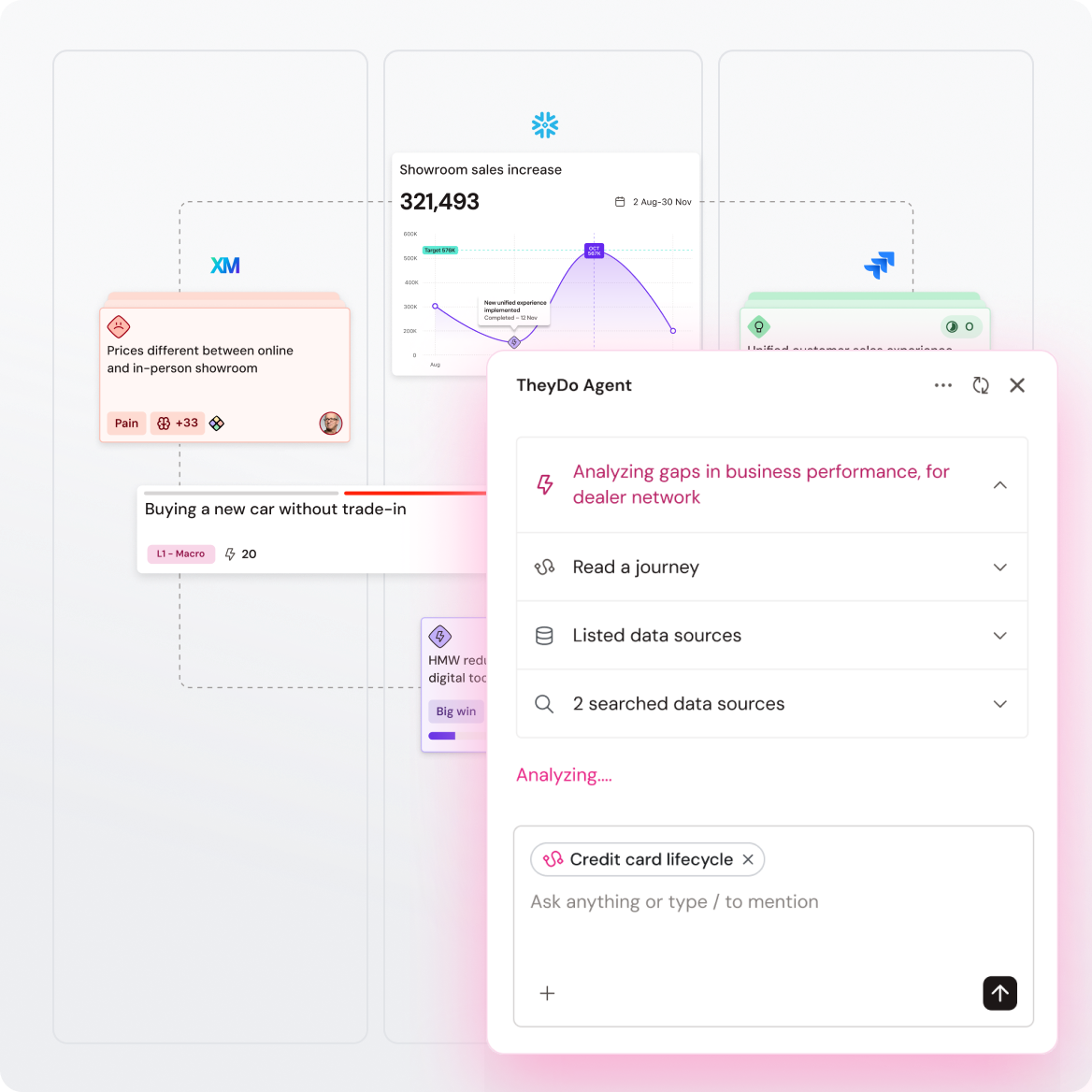
You already have all the data. TheyDo Agent makes sense of it
TheyDo Agent aligns business KPIs, voice of the customer data, and customer interactions to the journey CX teams build. Insights stay current, traceable and grounded in real customer moments.
TheyDo Agent does the work
on your behalf
Builds and maintains your customer experience context
The work of structuring customer knowledge has always fallen on the CX team: mapping interviews, tagging pain points, flagging stale data.
TheyDo Agent does the heavy lifting. Drop in transcripts or workshop notes. The agent builds the journey, extracts insights, and clusters pain points into themes connected to the right phase and step. Work that used to take a week takes minutes.
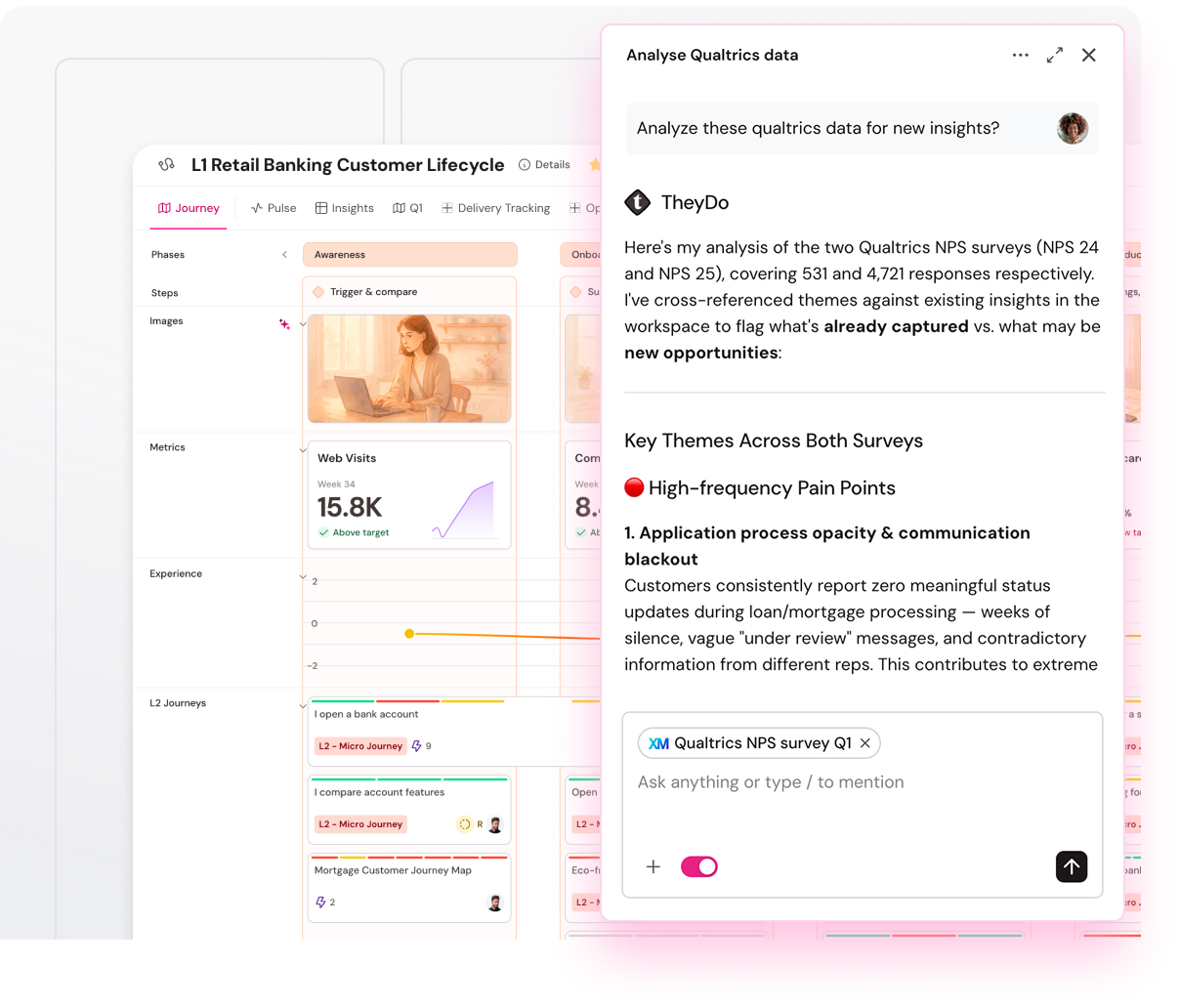
Connect scattered data to one customer journey
TheyDo Agent aligns business KPIs, voice of the customer data, and customer interactions to the journey CX teams build. Insights stay current, traceable and grounded in real customer moments.
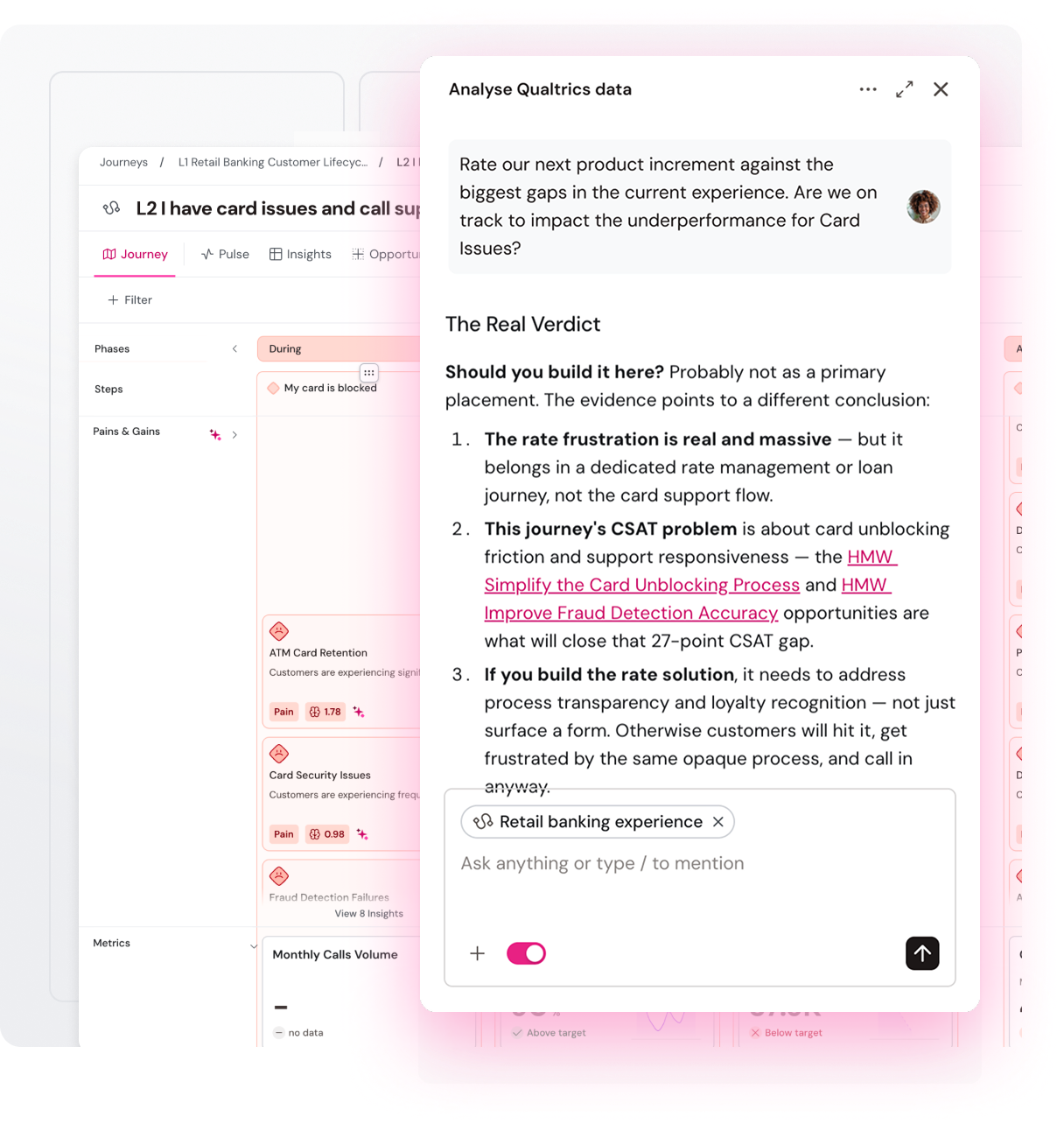
Prioritize the roadmap with shared customer context
TheyDo Agent reasons over your end-to-end experience and business metrics. Every team prioritizes from the same view of the customer.
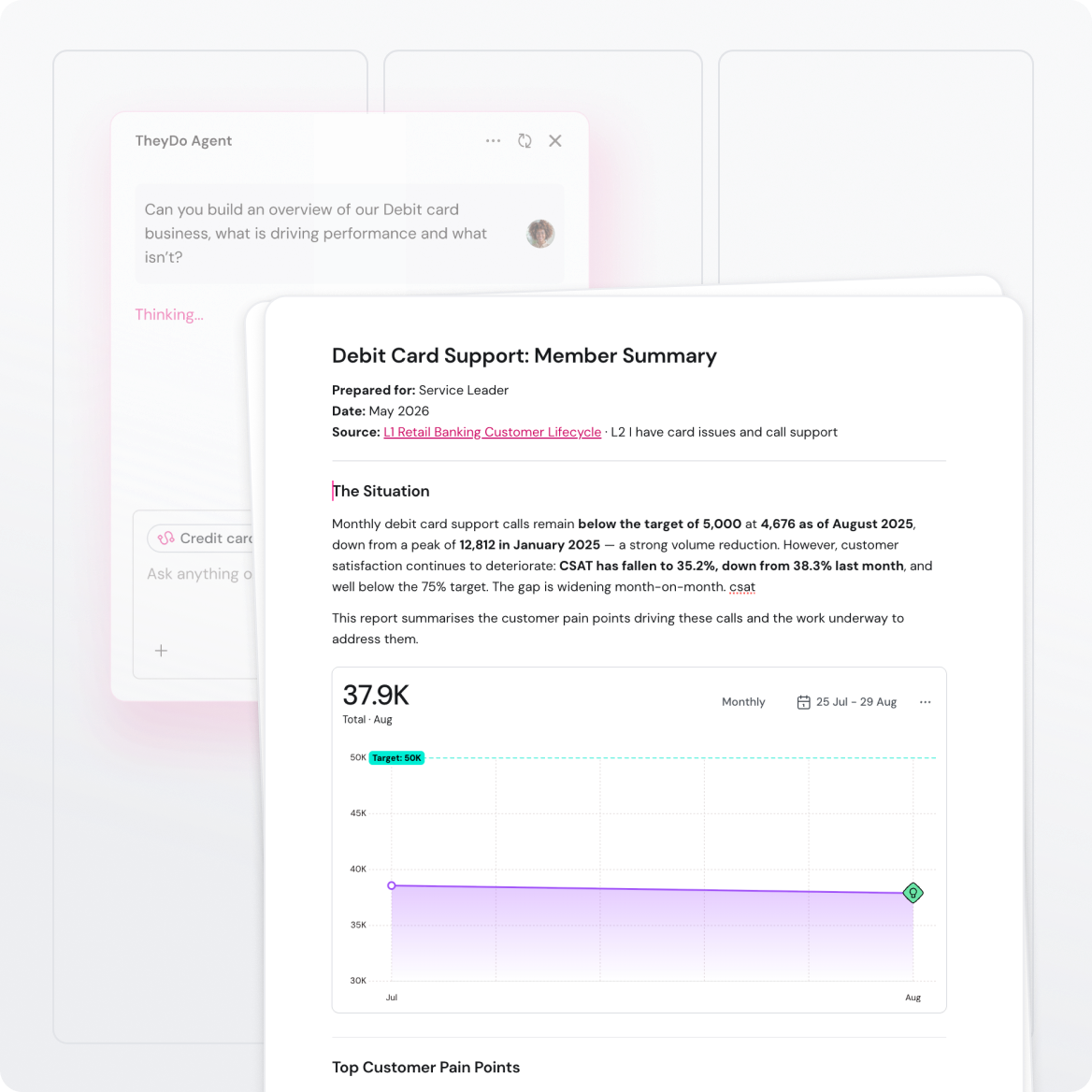
Tie every initiative to measurable customer outcomes
No more guesswork. TheyDo Agent reasons over customer context and business priorities, so every initiative ties back to real evidence.
Trusted and secure for the enterprise
Maintain full control over your data when the Agent runs your operations.

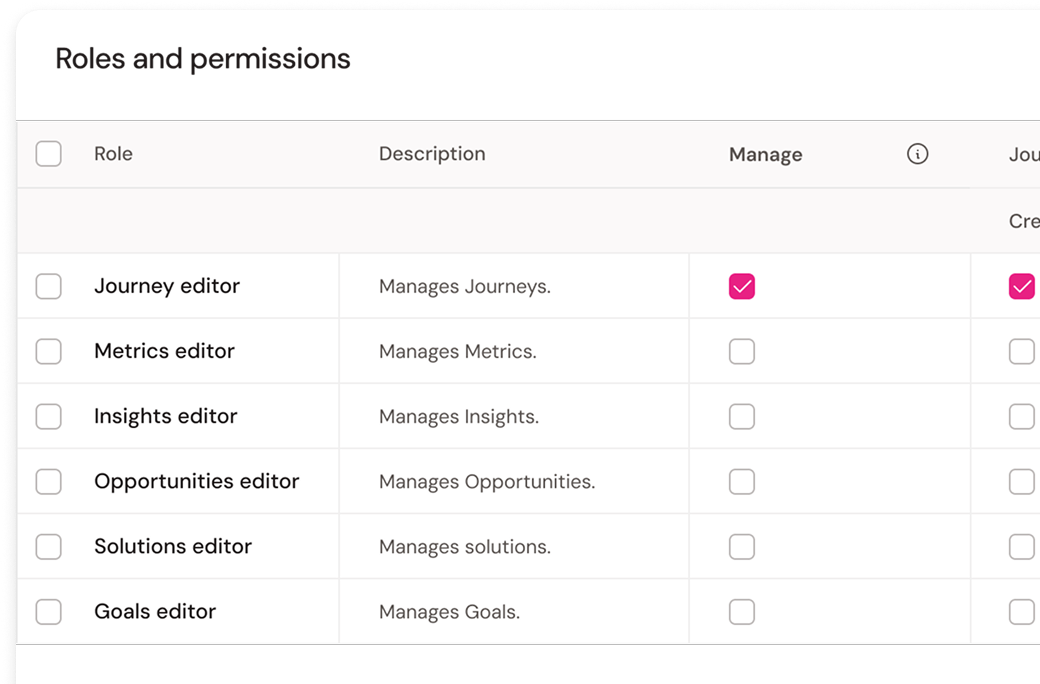
Role-based access controls
Unlimited users with individual and role-based permissions. Drive change through journeys without losing control of who sees what.

SOC 2 Type II
We are SOC 2 Type II compliant. Request our SOC 2 certificate.

GDPR compliant
Let us handle compliance with local laws.

Your data, your control
Generate insights from any unstructured data.

No data sharing with AI providers
We keep your data behind closed doors.
TheyDo MCP
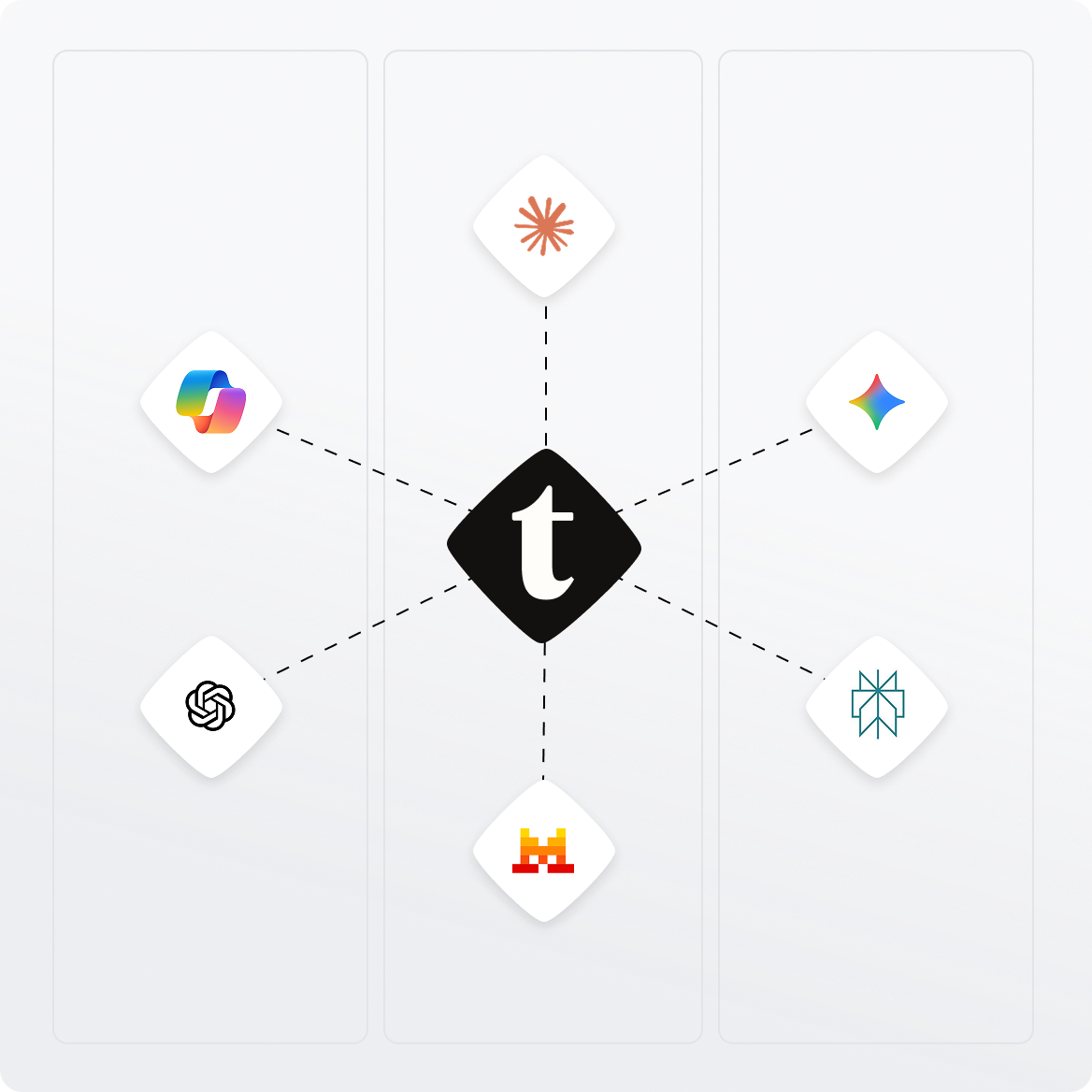
TheyDo MCP Server gives AI platforms secured, governed access to TheyDo’s unified experience data, journeys, logic and agent.
It's the foundation that enables TheyDo and external AI systems, like Copilot, ChatGPT or Claude, to work together seamlessly and safely.
CX teams already using TheyDo Agent to speed up their work
Loading testimonials...

Make customer experience a company-wide capability
4,000+
hours saved
36%
efficiency lift
5x
time to value
90%
shorter time-to-decision
Frequently Asked Questions
What is TheyDo Agent?
TheyDo Agent is the first AI agent built on a structured experience context. It reasons over the journeys, phases, steps, and opportunities in your TheyDo workspace, not raw transcripts or disconnected dashboards. Every answer cites the journey step, insight, or piece of research it came from, so claims hold up under scrutiny.
What can TheyDo Agent do day-to-day?
TheyDo Agent does three jobs grounded in your customer journeys. It builds and maintains your experience context, turning transcripts and workshop notes into structured journey insights. It surfaces what needs attention, answering questions like “where is friction accumulating?” or “what’s stale?” And it delivers intelligence to every team, generating executive briefs, sprint inputs, and stakeholder reports on demand.
How is TheyDo Agent different from a generic AI like ChatGPT or Copilot?
TheyDo Agent reasons over your own structured experience context, like your journeys, your insights, your metrics. A generic AI guesses from public training data. Every TheyDo Agent answer cites the journey step it came from, so claims hold up under scrutiny.
How does TheyDo Agent stay accurate on my customer data?
TheyDo Agent only reasons over your customer journeys and the signals linked to them. It doesn’t pull from generic training data. Every output points back to the specific step, insight, or research piece it used, so you can verify any answer. If the underlying context is wrong, the report tells you where.
Does TheyDo Agent hallucinate?
TheyDo Agent grounds every answer in your structured experience context and cites its sources. If the agent can’t find evidence to back a claim, it says so rather than guessing. Insight quality is a data management problem, not an AI problem, and TheyDo Agent runs on data managed for AI from the start.
Is my customer data used to train third-party AI models?
No. TheyDo does not share customer data with OpenAI, Anthropic, or any third-party AI provider. Your data isn’t sold, shared, or used to train external models. TheyDo is ISO 27001 and GDPR compliant, with SOC-2 Type 1 certification.
How do access controls work in TheyDo Agent?
TheyDo Agent respects the role-based permissions in your TheyDo workspace. What the Agent answers from is scoped to what each user can access. Admins set who sees which journeys, insights, and data, so the Agent can’t surface anything a user isn’t allowed to see.
What is TheyDo MCP and when is it available?
TheyDo MCP (Model Context Protocol) makes your TheyDo experience context available to external AI systems like Claude, ChatGPT, or your in-house tools. It’s coming soon. Until then, TheyDo Agent lives inside TheyDo.
How fast can we roll out TheyDo Agent?
TheyDo Agent is available to all customers on the relevant plan today. If you already have journeys in TheyDo, the agent is ready to answer questions about them immediately. New customers typically have their first journey live within a workshop session.
Do we need an existing journey management program to use TheyDo Agent?
No. TheyDo Agent can build journeys from raw transcripts and workshop notes, so you don’t need a fully mapped operation to start. Teams with existing journeys get value faster because the agent has more context to reason over, but it works either way.