

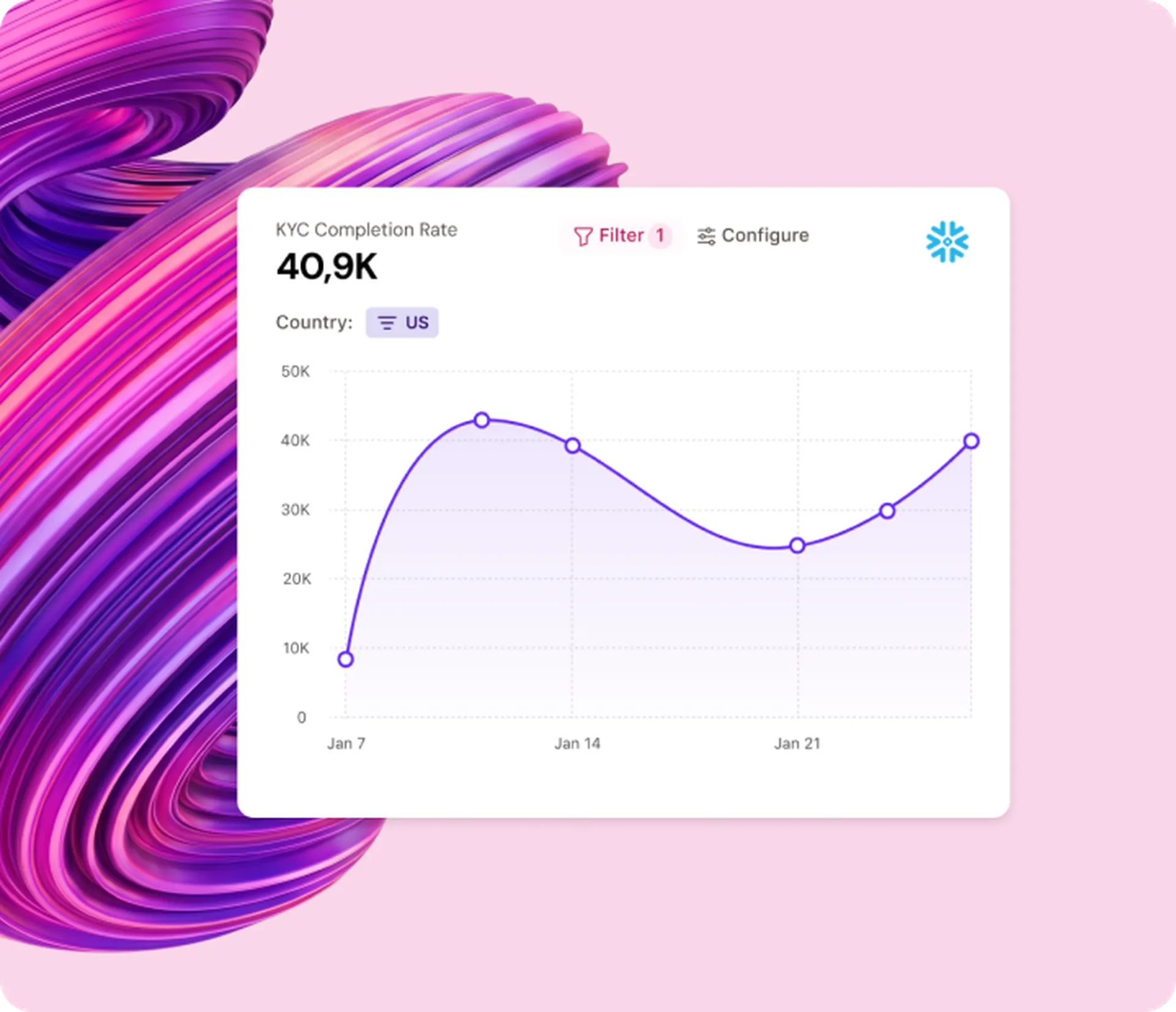
Analyze
New research becomes insights overnight
The Agent keeps up with new research, tagging it and writing insights the way your team would. You decide what goes in.
New research: 1,000 enterprise leaders on the AI decision-confidence gap.
 TheyDo Agent
Most AI for CX waits for someone to ask. TheyDo Agent does the work: from analysis to prioritization to tracking business outcomes.








Turning CX research into roadmap decisions usually takes weeks of manual work. TheyDo Agent keeps that work running in the background, and your team signs off at each step.
Analyze
The Agent keeps up with new research, tagging it and writing insights the way your team would. You decide what goes in.
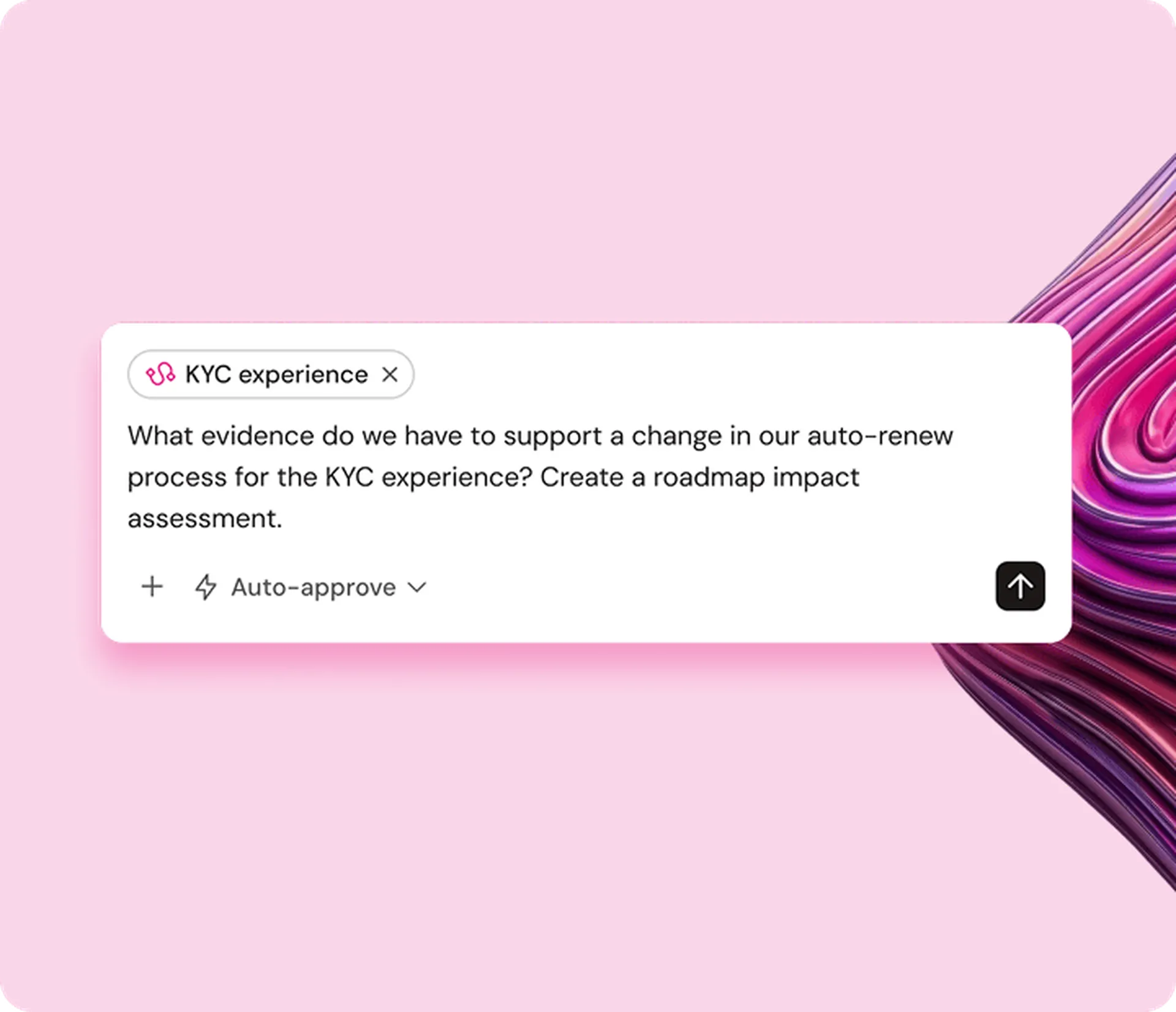
Prioritize
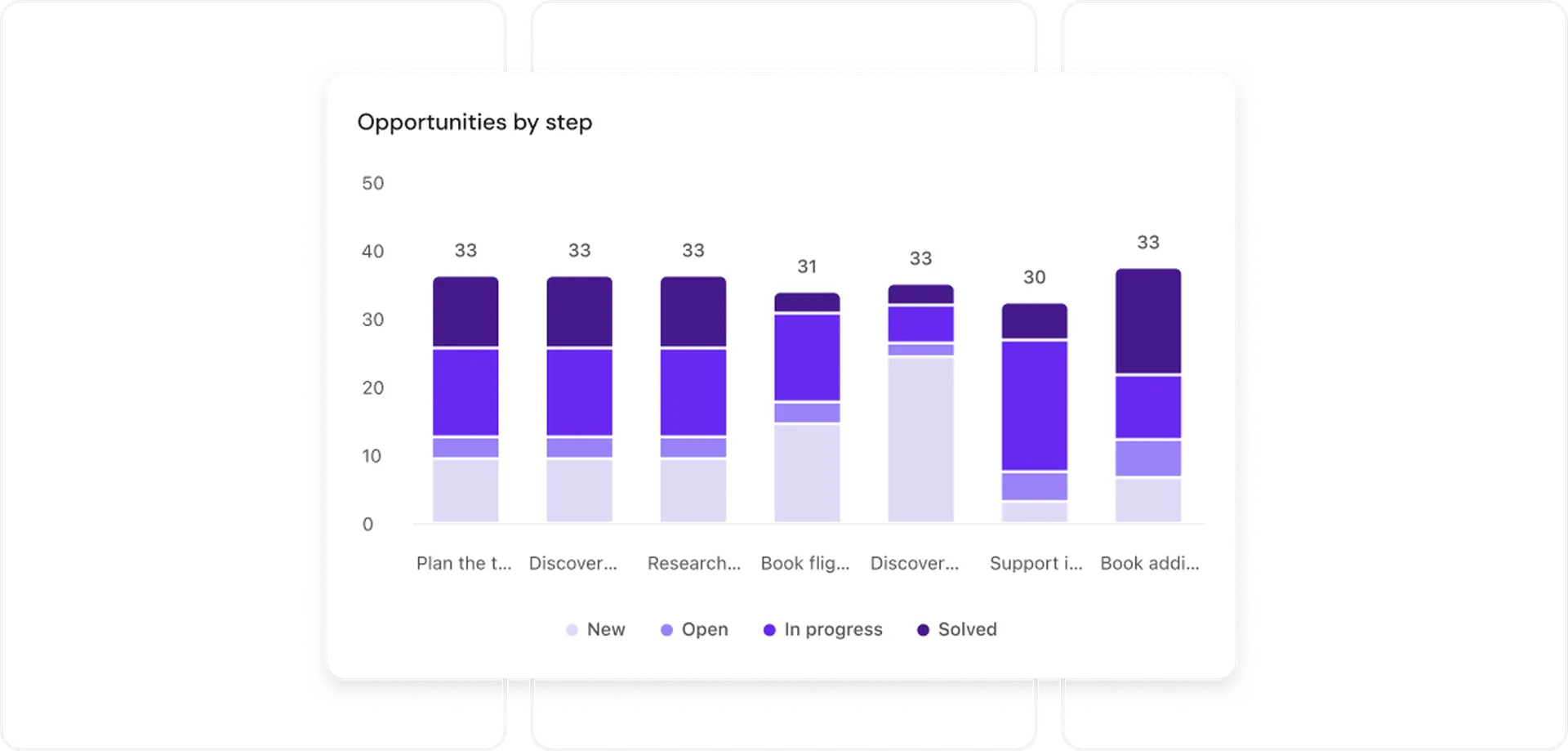
The Agent re-checks your opportunities as new evidence comes in and writes up what changed before investment decisions. You decide what makes the roadmap.
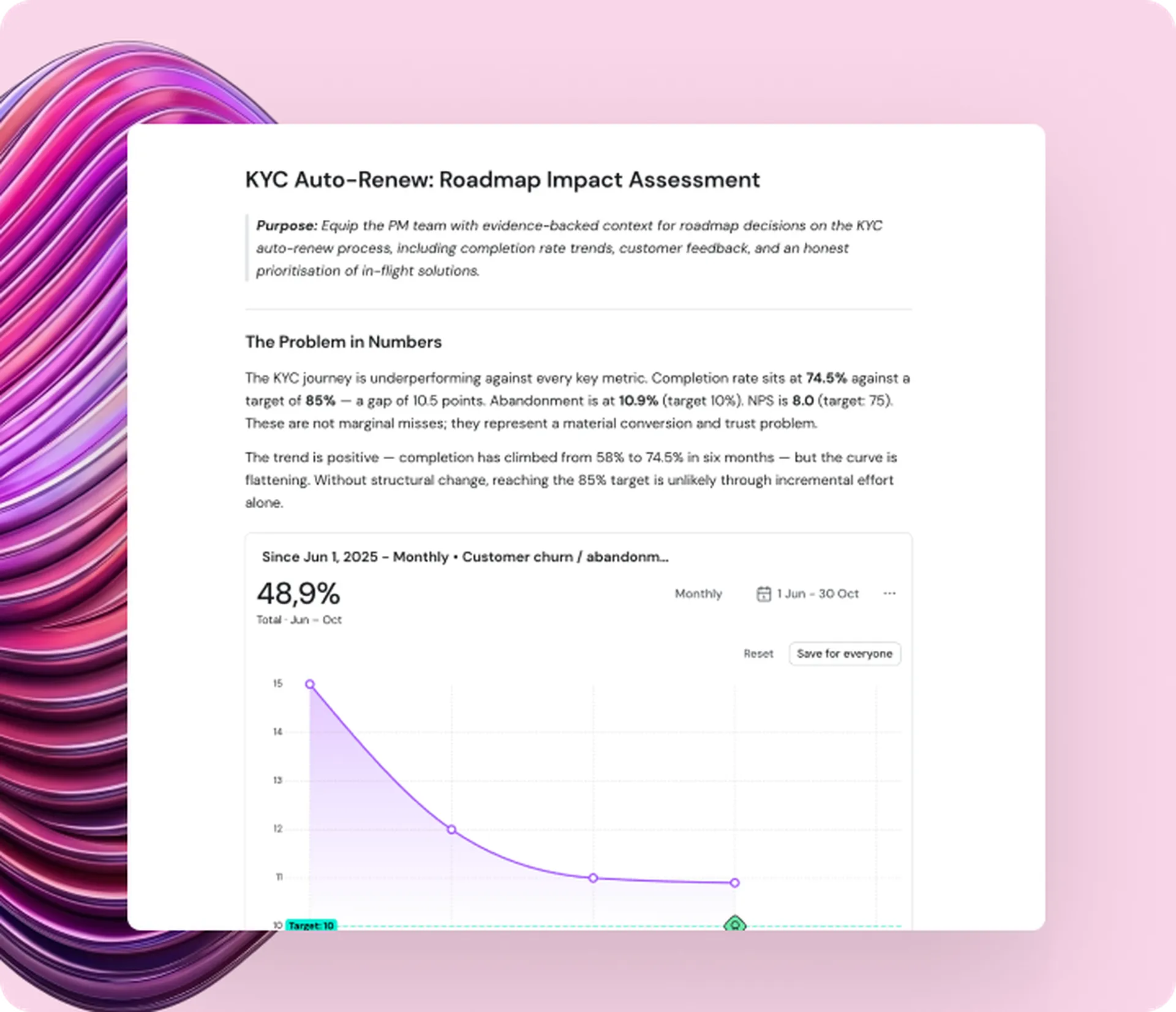
Track
The Agent picks up shipped work and updates the journey, so nobody has to chase status. You show leadership the metric that matter, with evidence.
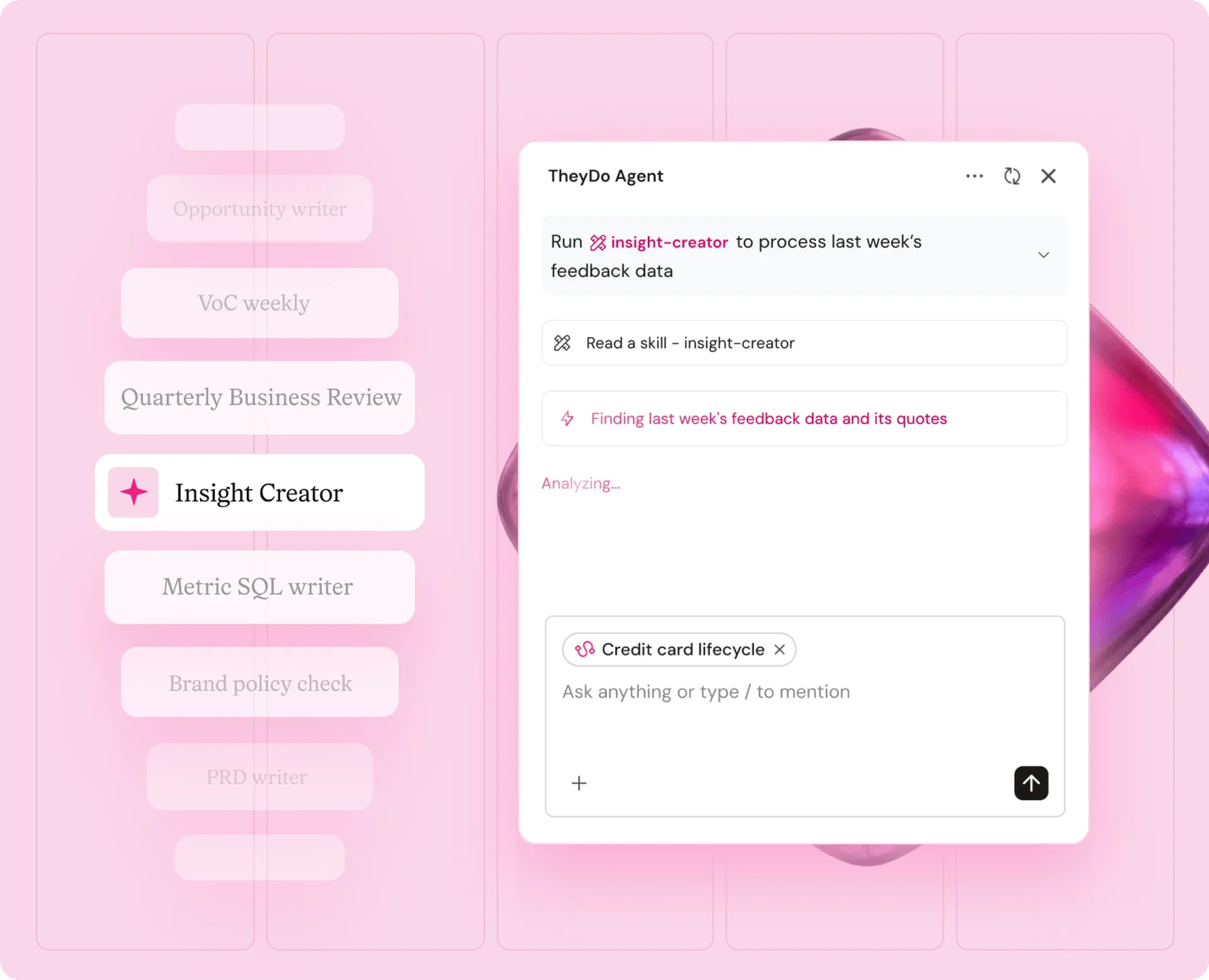
Skills

“TheyDo Agent saves us two to three hours per journey.”
Skills hold your team’s method, like how you tag evidence and write insights, so you can hand work over without lowering standards.
Every change the agent proposes waits for your approval, so the rest of the business can keep trusting your journeys.
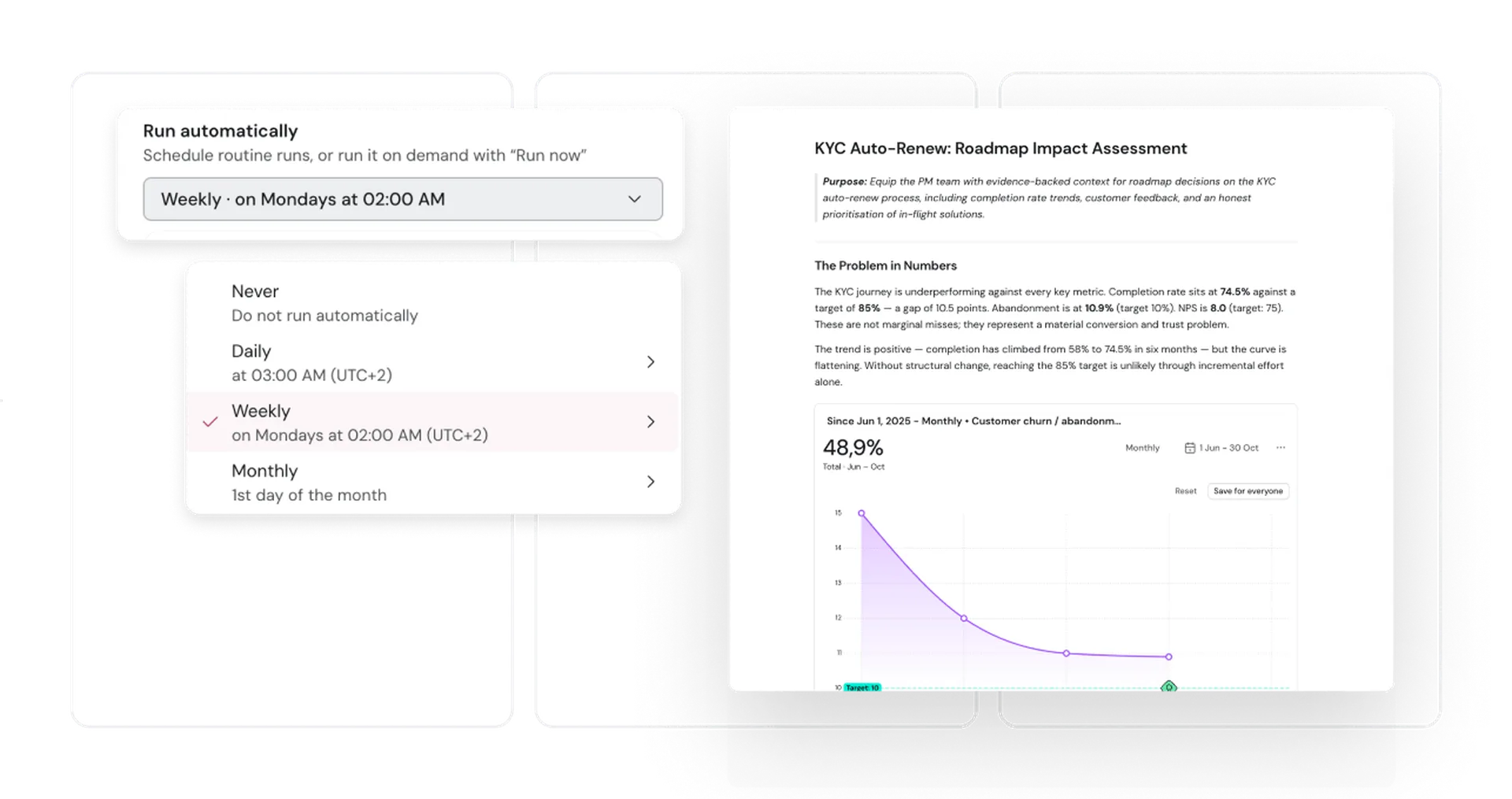
Routines run the jobs you pick, on your schedule and within your permissions, so the upkeep never depends on someone remembering.
Loading testimonial...
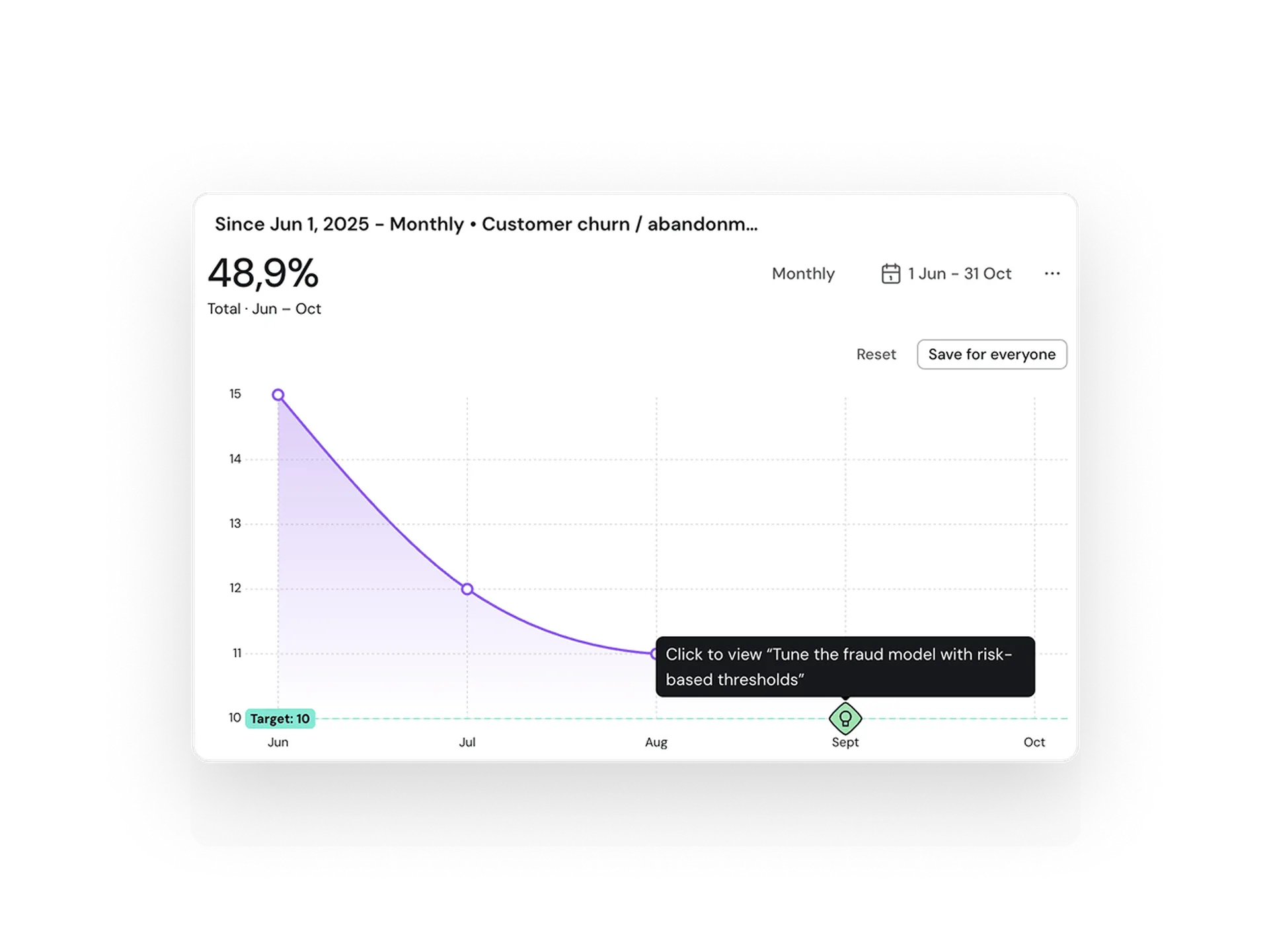
Bring in evidence from the tools your team relies on, and ask about your customers from the AI assistant you already use.










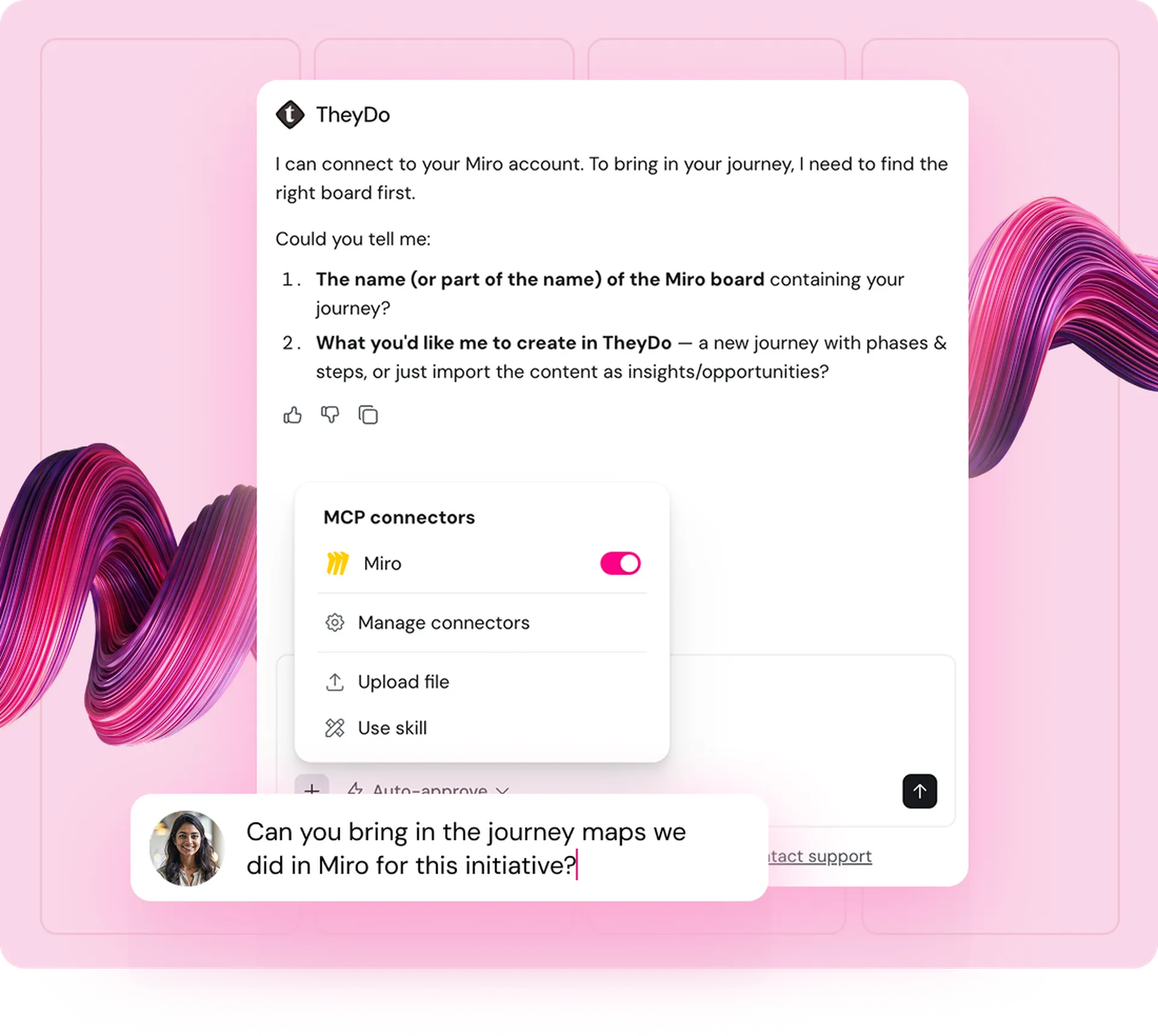
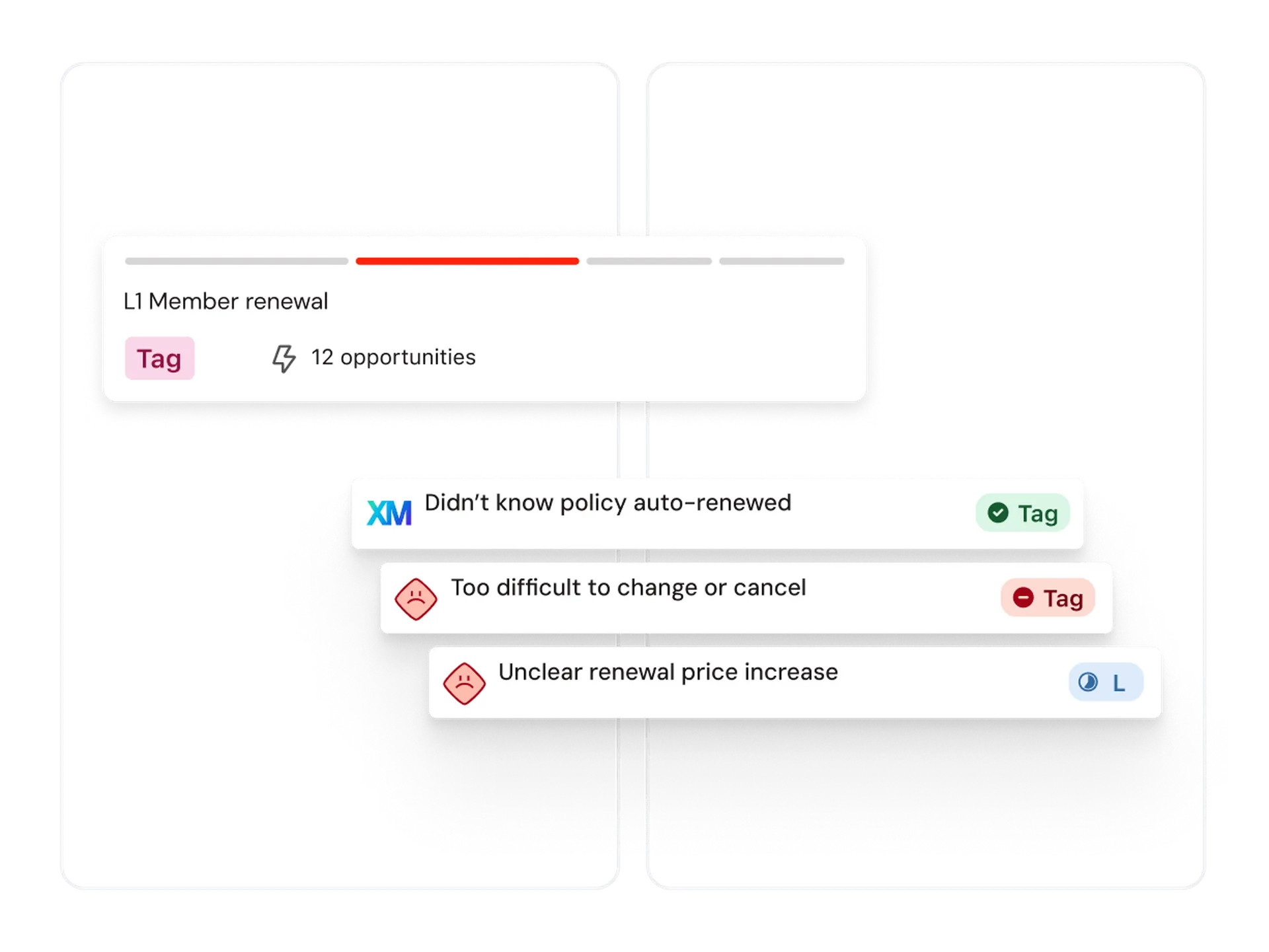
Let TheyDo Agent bring in data from your research, analytics and delivery tools, so they land on the right journey step with a link back to the source.
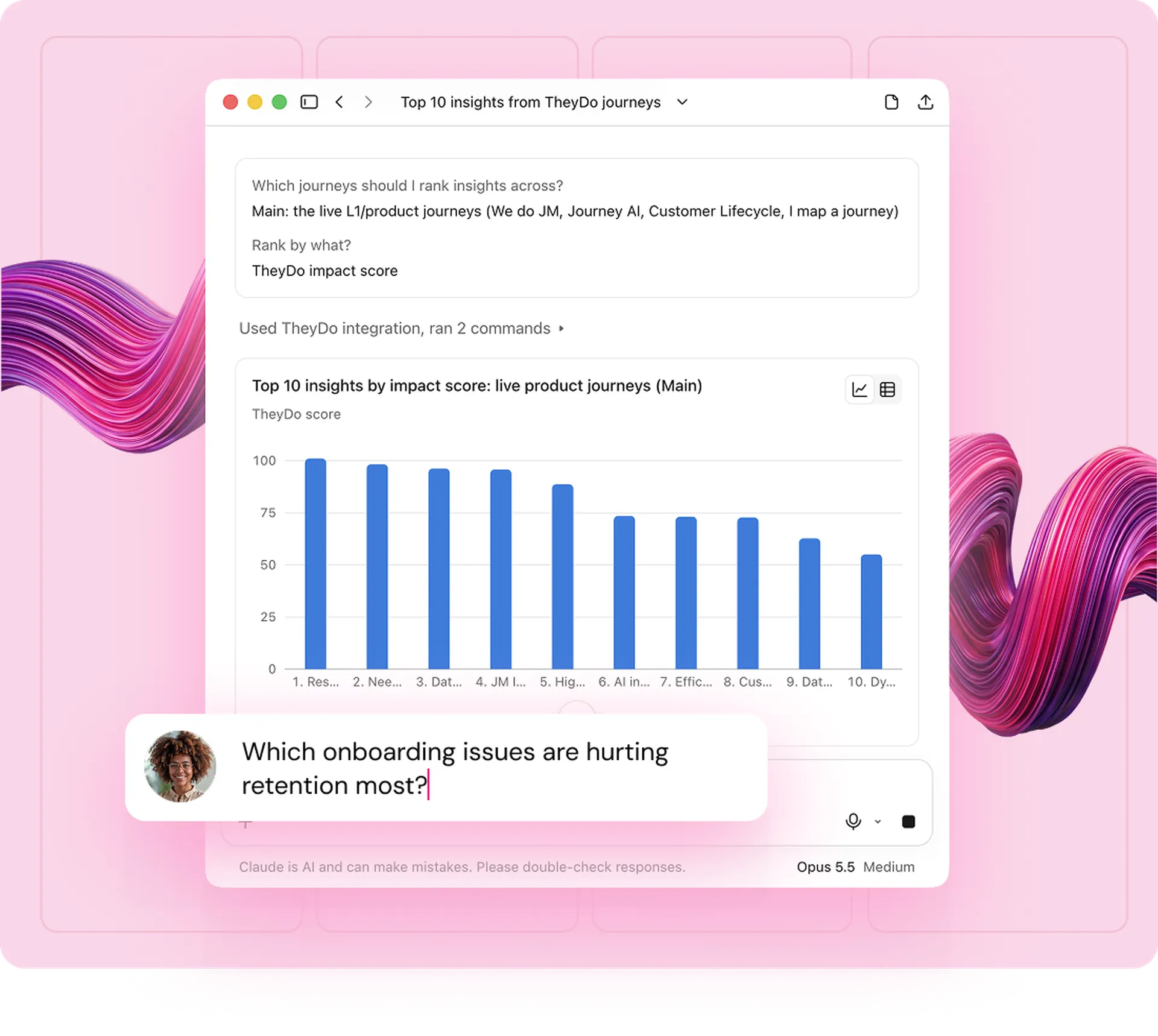
Add TheyDo to the AI assistant your team already uses, so their questions about customers get answers grounded in your journeys.
How it works
A general AI tool reads your files without knowing which customer moment each one describes, how they connect or what your team is already doing about them. TheyDo Agent works on the Journey Graph, which holds all of that context.
Evidence from your tools builds up over time, so the agent never starts from scratch.
The agent writes insights to your team’s standard, so answers stay consistent whoever asks.
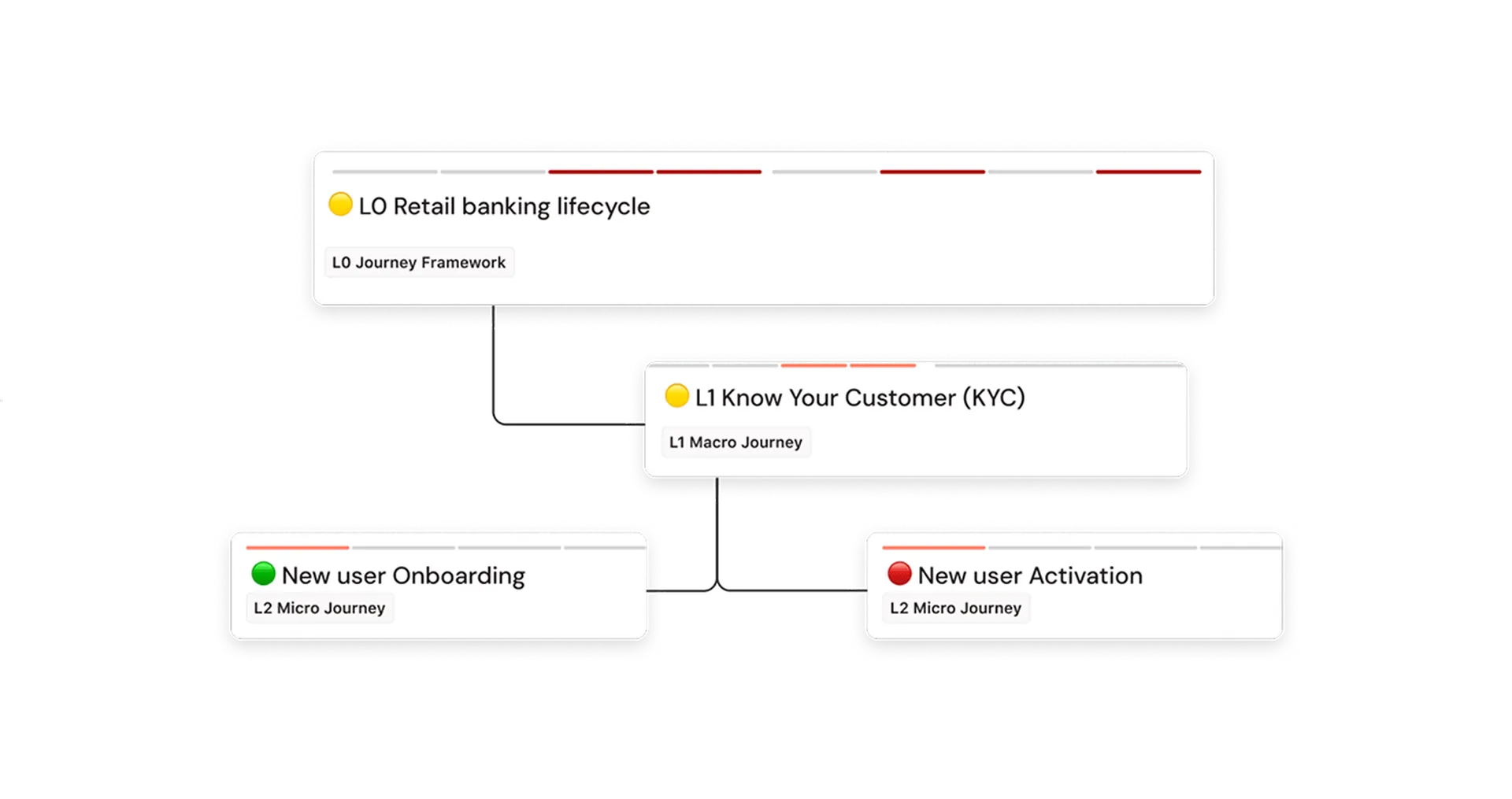
Insights sit on their journey step, beside its metrics and fixes, so the agent knows where problems happen.
Your team asks in TheyDo or their own AI assistant, so every answer comes from the same governed graph.
Autonomy your security team can sign off on with
Governance controls for every workflow

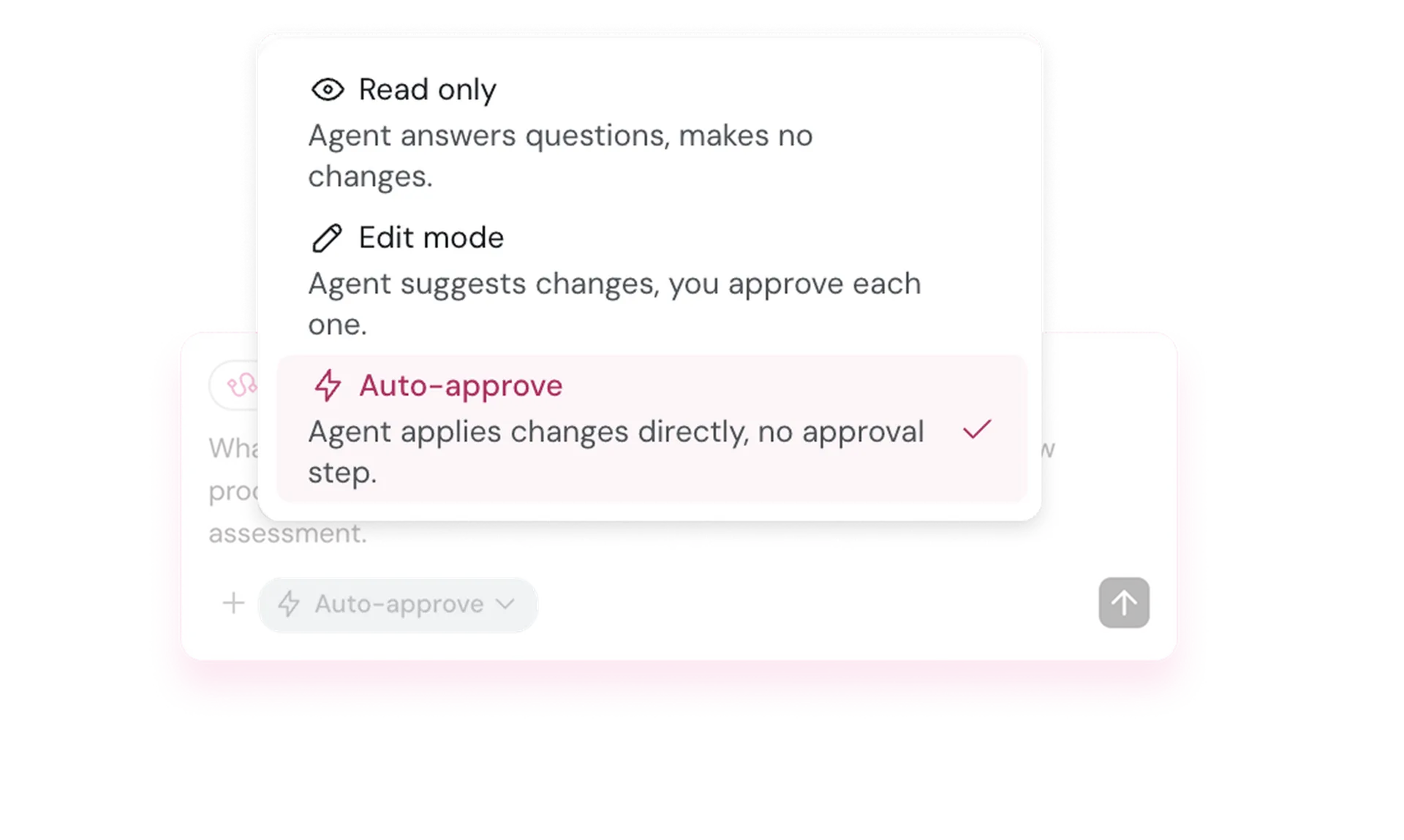
Keep TheyDo Agent read only, or let it make changes that wait for your approval. Reviewers approve 99% of the changes it proposes.

Turn back anything the agent changed, straight from the activity log, without losing the rest of its work.

One activity log shows every change made by people and the agent, with filters for who, what and when.

The agent works within each person’s permissions, in TheyDo and in every connected tool.

Admins choose which workspaces use the agent and where it can make changes.
Loading testimonials...
4,000+
hours saved
36%
efficiency lift
5x
time to value
90%
shorter time-to-decision
TheyDo Agent is the AI agent built into TheyDo. It runs the recurring work of a CX operation: it turns new research into insights, keeps your priorities current with the evidence and updates your journeys as fixes ship. It follows your team’s way of working, and you can ask it for anything or set work to run on a schedule.
A general AI tool reads your files without knowing which customer moment each one describes, how they connect or what your team is already doing about them. TheyDo Agent works from your journeys, where every piece of evidence and every metric sits on the step it describes, linked to the work that addresses it. It follows your team’s way of working and permissions, and what it finds stays in TheyDo for next time.
No. It takes on the upkeep, like tagging, mapping and reporting, so your team spends its time on the decisions only people can make. Your team sets the method, chooses what runs and approves what changes.
Its answers come from your own journeys and evidence, and each one cites the journey step, insight or research it used. If nothing in your workspace supports a claim, it says so. You decide how much it can do on its own, and every change it makes is recorded, so you can see it and undo it.
No. TheyDo does not share customer data with OpenAI, Anthropic, or any third-party AI provider. Your data isn’t sold, shared, or used to train external models. TheyDo is ISO 27001 and GDPR compliant, with SOC-2 Type 1 certification.
Yes. TheyDo Agent brings in findings from your research, analytics and delivery tools, and can share customer evidence with product and delivery teams in the tools they already use. Your team can also ask about customers from their own AI assistant, with answers from your journeys.
No. TheyDo Agent can draft journeys from interview transcripts and workshop notes, so you can start from the research you have. Teams with well-kept journeys get value fastest, and our team can help you get there.
If you’re a TheyDo customer, ask your customer success manager which features are switched on for your workspace. If you’re new to TheyDo, book a demo and we’ll show you the agent working on journeys like yours.